Public Computers
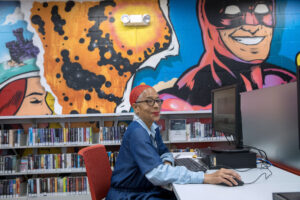 All 85 libraries have public computers available for customers in good standing to use. To use a public computer, customers need a library card and PIN. If you do not have a PIN or have forgotten it, you can request a PIN online or by calling a LA County Library location. Customers who are ineligible for a library card can request a card for computer use only.
- Computer time is limited to 2 hours per day, per customer.
- Computers are assigned on a first-available basis. Reservations cannot be made.
Children/Teen Computer Access
Children under 18 can use the public computers but must have their parent or guardian’s permission to access the internet.
- Parents/guardians must return a completed Internet Access Permission Form – English / Spanish version or English / Chinese version – in person, to a LA County Library location. On the form, parents/guardians set the level of filtering for their child’s Internet access.
See LA County Library’s complete computer use polices.
Computer Programs
Programs available on public computers include:
- Google Chrome
- Microsoft Edge
- Firefox
- Word 2016
- Excel 2016
- PowerPoint 2016
- Access 2016
- Publisher 2016
- Adobe Reader
- VLC Media Player
- Picture Viewer
Public computers have USB ports for saving your work. USB devices that use an auto-run encryption/password launcher do not work on the public computers. At this time, you cannot write to the CD-ROM drive, if it uses one of the programs listed above.
Computer Classes
Many libraries offer computer classes, which you can find by searching the Event Calendar. You can also access computer classes through our Online Learning portal.